What To Do If Your Solar Panels Stop Generating Power
- Check your app first.
Look at your solar panel app regularly. If it shows little or no power, you’ll know it’s time to troubleshoot. - Check the router device.
Many solar companies install a small device near your router, hardwired in. This device tracks the power generated by your panels. A reputable company will demonstrate the device and guide how to use the app. - Read your wattage.
If your app shows 0W or occasionally 1W, your panels are technically working but not producing meaningful power. Basically, you’re still buying electricity from the grid. - Check the breaker.
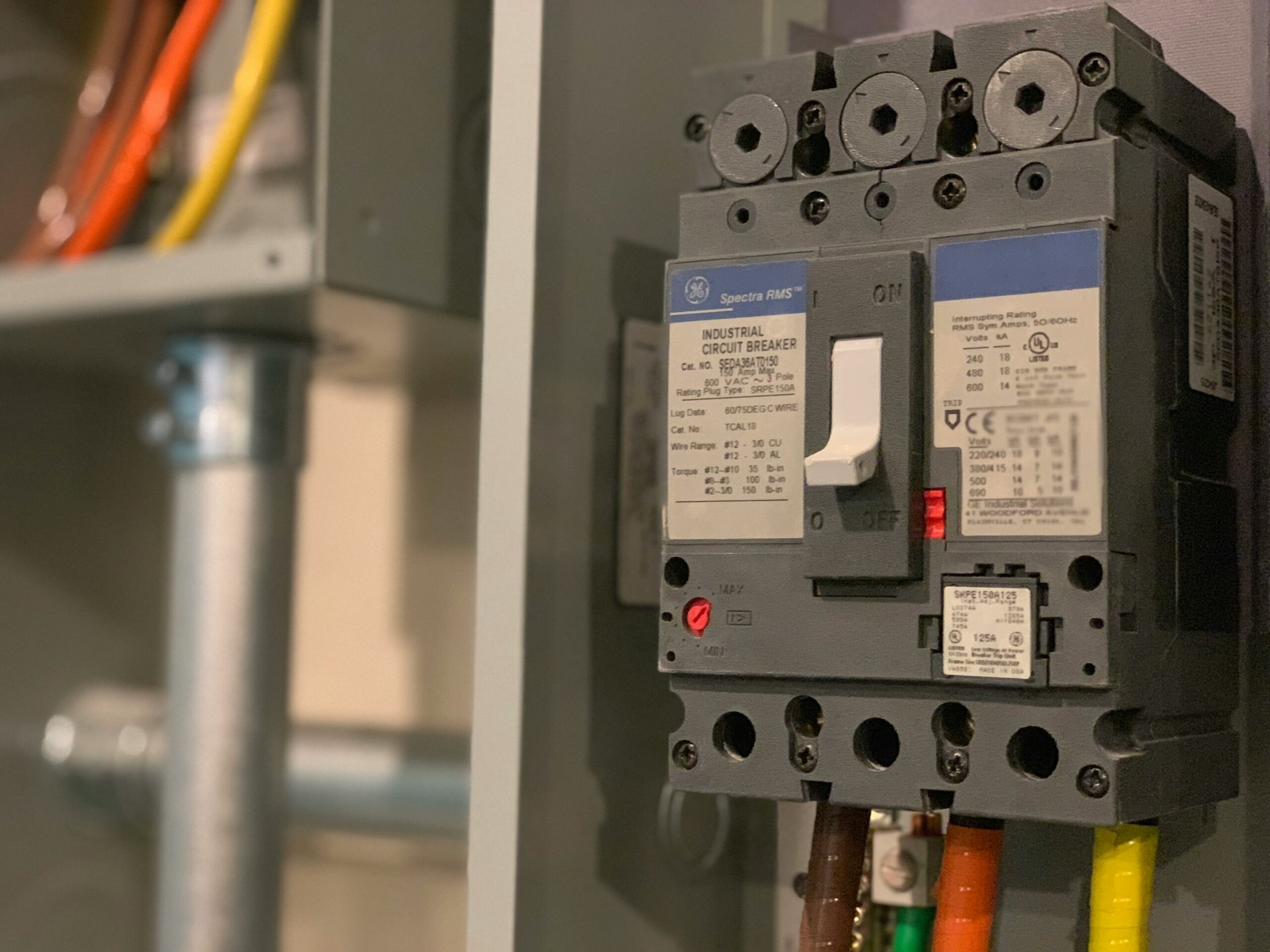
Go to your solar panel box. If the breaker is loose or somewhere between off and on, it’s probably tripped. - Reset the breaker.
Flip the breaker fully off, wait a few seconds, then flip it fully on. - Wait and watch.
Within 5–10 minutes, your app should show higher wattage if it’s daytime and sunny. The exact amount depends on the time of day.
This simple step can save you a call to your solar company and get your panels producing power again quickly. If your solar does not kick on, then you will want to contact your solar company to help troubleshoot the issue.